Setting up Attributes
Attributes add another layer of reporting for you to break down the data.
This can be configured by going to
File Maintenance > System Configuration > System.
and you can rename the attributes to what you want.
Once you've created your Atrributes.
you can then set the options for each one.
if you go to File Maintenance > Attribute Maintenance
you can then press the drop down on attribute
Press Create New
Give it a description and you can press the insert button. 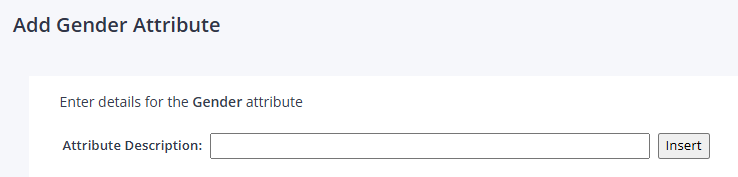
you can then assign those attributes by going to Stock > Product Amendment Export/Import
Select Attributes, Departments, Sub Departments
Selecting Export
Selecting the Department you want.
Press Export to to put the data into a CSV file.
you can then make your changes to the Fields and save the CSV.
and use the same program to then upload the changes.
you can also amend the Attributes by going to Stock > Amendment.
and click the Attributes button in the top right.
and select from the drop-down list.
then within the Sales and Margin Report you can select the Attribute option.
Related Articles
Product Amendment Import/Export
Product Amendment Import/Export The import / export utility has been created to allow for easy updating of a products descriptions, department/sub department and min/max level, loyalty redemptions, bar form till . The program sits under Stock: Style ...Setting Minimum Web Stock Level?
Setting Minimum Web Stock Level Select Catalogue File Maintenance from the Customer Order Setup menu. Select Web StockLevels. Enter the Cat Code/SID/Description and select Search. Web Stock Available is the calculated amount that you have available ...Setting Minimum Web Stock Level?
Setting Minimum Web Stock Levels Select Catalogue File Maintenance from the Customer Order Setup menu. Select Web Stock Levels. Enter the Cat Code/SID/Description and select Search. Web Stock Available is the calculated amount that you have available ...Programme Postage Rules - Setting up the Item
When selling match day Programmes online you may wish to charge a lower price than the full standard delivery charge for individual items. If a Programme is sold for £3 and Standard delivery is £3.95, a customer may be unwilling to pay more for ...Programme Postage Rules - Setting up the Delivery Options
From the main menu, select Customer Order Setup, then Delivery Options Maintenance Select the Service Charges radio button. Select the Carriage Band radio button And then click into the Standard UK Delivery You should now enter the delivery charge ...