Shop by Player - Adding Non Personalised Items
This guide will walk you through how to add non-personalised products (such as t-shirts) to the shop by player page.
Table of Contents
- Adding the product to the web page.
- Adding the Ranking
- Configuring the Star Shirt
Adding the Product to the Web page
Before you can add the product to the shop on the player's page.
it needs to be on the website (like you would for a normal product)
for example i've added this product to a print on demand section of the website. 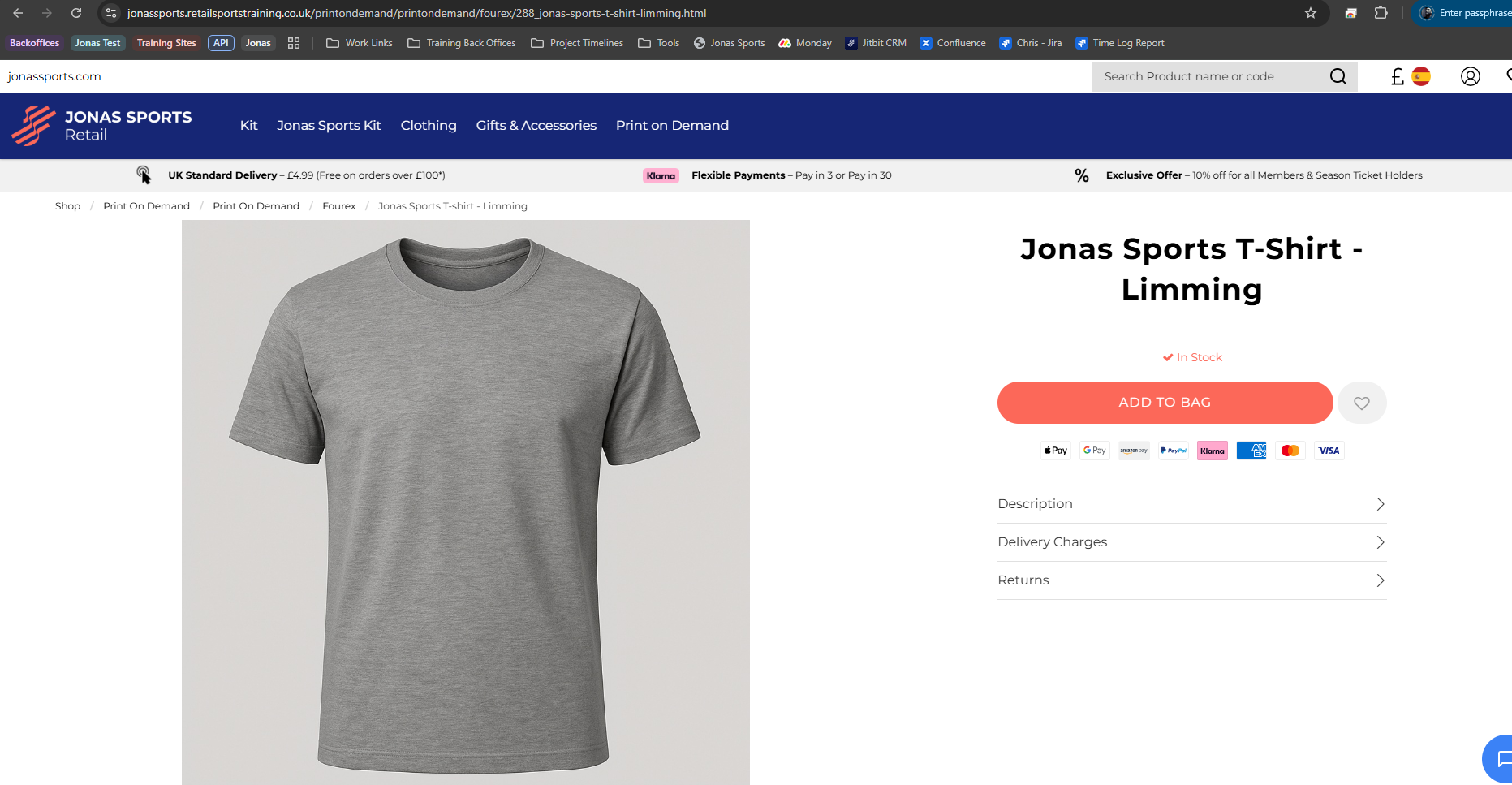
if you then click on the product. we need to copy the product URL page.
you just need to copy anything after the main URL.
once this is copied, go into that product's page within the catalogue file maintenance.
and in the top right,
if you click on Maintain Web Description
then, if you paste that URL into the page URL section.
and then press update at the bottom.
Adding the Ranking
Once you've added the URL click on
Maintain Players Page and Ranking
if you click on Add web page and select the player.
press update to save.
Configuring the Star Shirt
Once the ranking is done, if you click on
Maintain Star Shirts
Select the player (it doesn't matter which font you select)
and press update to save.
Then, when you click on the Shop by Player page the product should show on there now.
Related Articles
Setup Shop By Player - Adding Players Menu to Website
To add the Top Menu button and the Shop By Player page go to Customer Order Setup -> Web Department/Sub Department Maintenance ->Maintain Menubar button which is in the top right corner. Click Create New Menu at the bottom if the button is not ...Setup Shop By Player - Adding Products to Players Pages
Go to Customer Order Setup and then Catalogue File Maintenance. Click catalogue codes and search for your products. This manual will demonstrate setting up a home shirt. To add a product to a page click [Maintain Players Pages and Ranking] on the ...Setup Shop By Player - Player Page Setup
Once the squad list is updated in Customer Order Setup -> Squad and Personalisation Maintenance -> Squad Names (see out manual https://rsshelpdesk.jitbit.com/helpdesk/KB/View/29601534-how-do-i-setup-shop-by-player-squad-list ). Then it has to be ...Enable/Disable Shop By Player page
Shop By Player can be enabled/disabled by going to File Maintenance - System Configuration - Personalisation Tab You will see an option for Stars Shirts - this has to be ticked for the page to be enabled. If the page is enabled you can access it by ...Webinar - Shop by Player
https://www.youtube.com/watch?v=A46pmkX_nHo Shop By Player Webinar Table of Contents Setting up the Squad Page Creating the Player Page Adding Products to the Player Page Adding the Shop by Player Page to the Website Setting up the Squad Page to ...